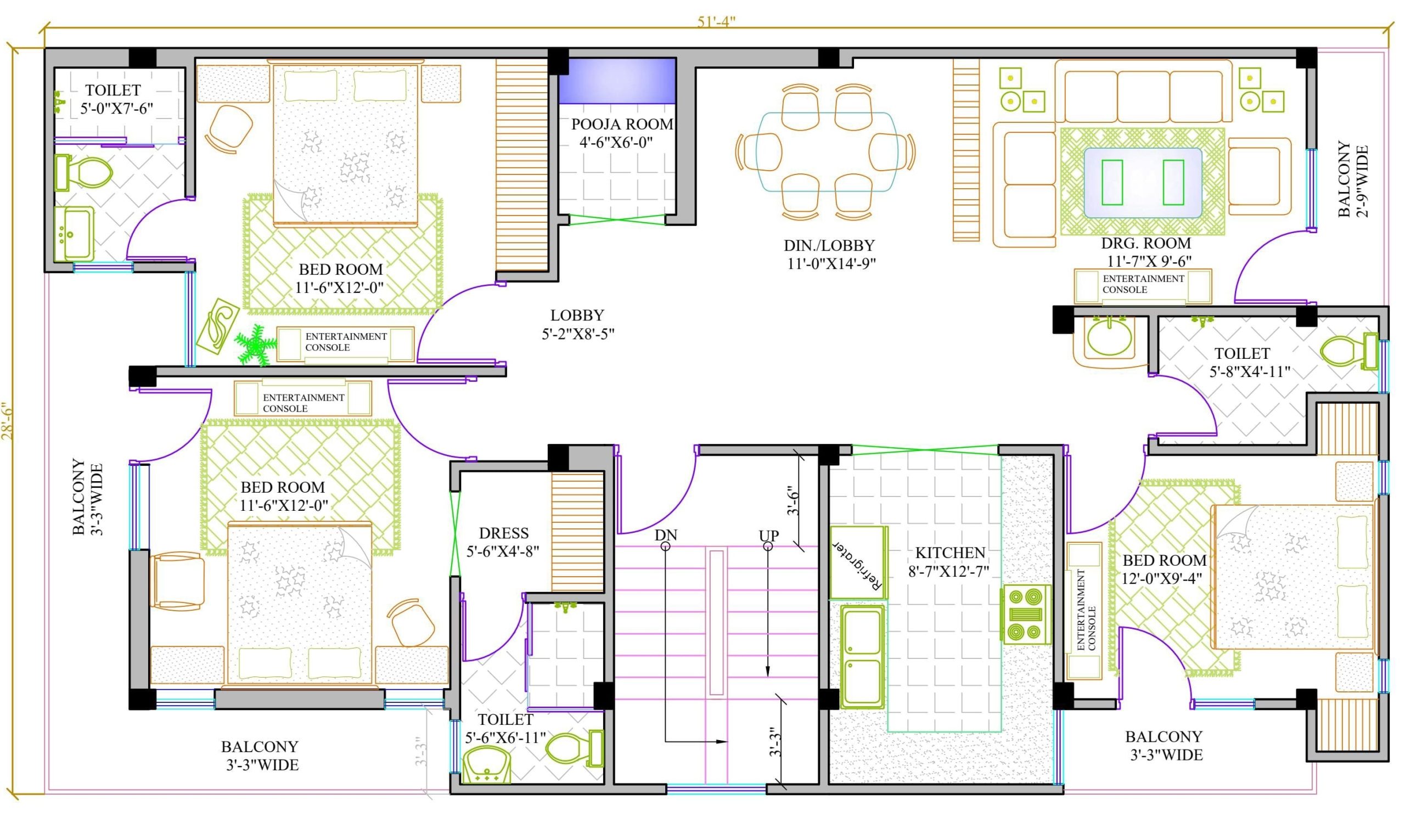
This AutoCAD Course for Beginners is designed to enable beginners to learn 2D design in AutoCAD. You will learn to navigate the AutoCAD interface. This includes creating and modifying drawings, managing layers, using reusable content and adding annotations. The course can also help you prepare your work for plotting and presentation. The course provides an overview of AutoCAD to build a strong foundation in 2D drafting.
AutoCAD Course for Beginners
This course is only available for private, corporate bookings. You can book the training course for groups of up to 8 delegates. There is no minimum number of delegates. This pricing is for a virtual classroom course delivered via Teams/Zoom. Can be booked for up to 8 delegates.
You will need to agree on the dates with the team to ensure that the trainer is available.
If you would like this course delivered at your location, do not hesitate to get in touch with us for details so we can confirm the availability of our trainers to travel to your area. The pricing for training at your location is higher than in a virtual classroom, but it depends on your location.
A standard training day will run from 09:30 to 16:30.
Course Content
- Taking the AutoCAD Tour
- Graphical User Interface (GUI)
- Navigating the working environment
- AutoCAD Ribbon
- Understanding drawing spaces
- Model Space
- Paper Space
- Application Menu
- Working with different file formats
- New files
- Opening existing files
- Creating Basic Drawings
- Setting up drawing units
- Inputting data
- Drafting Tools
- Line
- Polyline
- Circle
- Arc
- Rectangle
- Drawing Aids
- Using Ortho
- Using Object snaps
- Object snap tracking
- Using Polar Tracking
- Dynamic input
- Grid
- Manipulating Objects
- Selecting and deselecting objects in the drawing
- Modifying Tools
- Move
- Copy
- Rotate
- Mirror
- Array
- Scale
- Altering Objects
- Trim
- Offset
- Fillet
- Chamfer
- Organising your Drawing
- Using layers
- Using the properties palette
- Creating new layers
- Changing object properties
- Working with Reusable Content
- Groups
- Understanding blocks
- Using blocks
- Creating blocks
- Redefining blocks
- Annotating the Drawing
- Annotative Objects
- Text
- Creating multi-line text
- Using text styles
- Editing text
- Dimensioning
- Creating Dimensions
- Using Dimension styles
- Editing Dimensions
- Using Multileaders
- Hatch
- Types of Hatch
- Hatching Objects
- Editing Hatch
- Layouts & Viewports
- Paper space
- Using Layouts
- Creating layouts
- Modifying layouts and using page setups
- Understanding viewports
- Using Viewports
- Plotting Your Drawings
- Using page setups
- Plot style tables
- Plotting drawings
- Creating Drawing Templates
Course Timing
This is a one-day course aimed at providing a more in-depth overview. However, we can arrange an in-depth two-day course if preferred.
CPD Accreditation
CPD Standards accredit the course. Delegates are entitled to CPD Certificate upon completion.